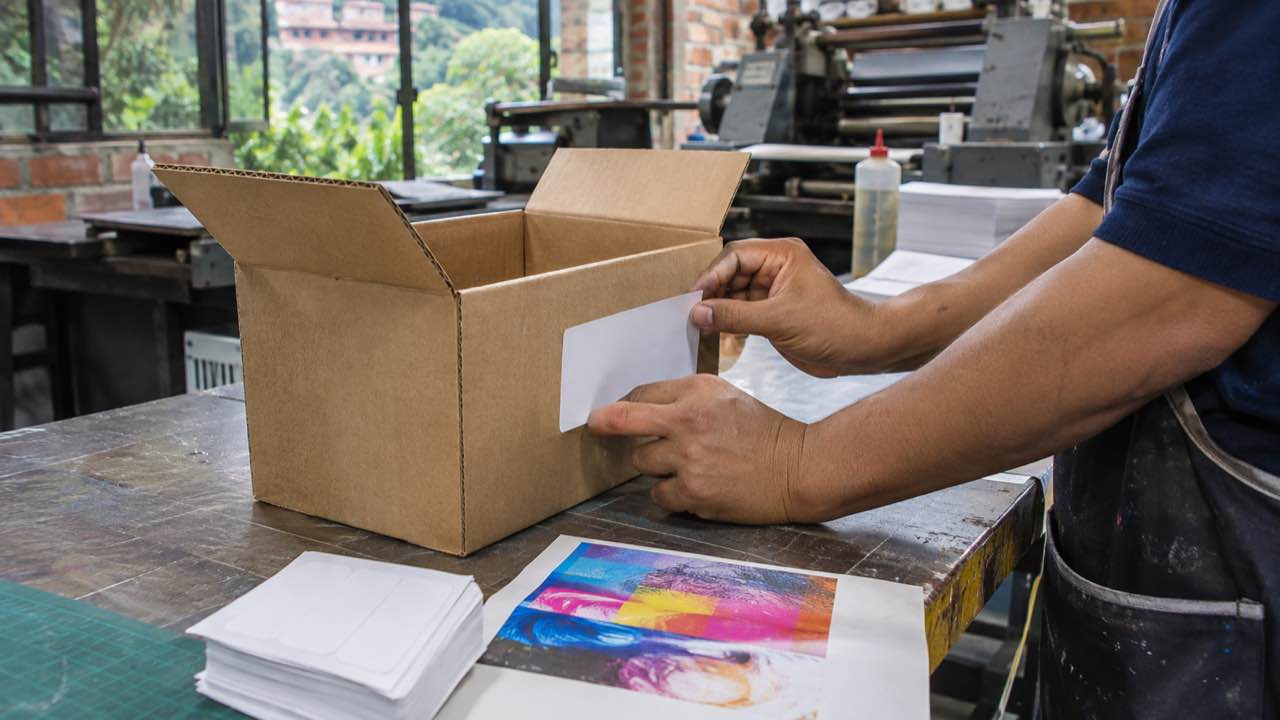
By Azabache Producciones on
Artwork without bleed can print with white edges: 9 points per side is typical
Bleed, links, fonts and color management are checked before exporting a PDF that is ready for commercial printing without basic fixes.

The white edge that appears after trimming usually starts before printing, when a background ends exactly at the piece edge. Bleed extends artwork beyond the trim line to hide variations in trimming.
The Adobe Illustrator Help guide, updated on October 25, 2026, lists 0.125 inches or 9 points per side as typical commercial bleed. That measurement is a common reference, not one specification for every job.
Print-ready artwork brings together the file ready for production, including its images, fonts and output settings. Preparation changes according to the product, finishing, printing system and paper.
What should print-ready artwork include?
A file prepared for print should retain the required elements and show the trim settings the piece needs. Updated links, confirmed fonts and defined bleed reduce last-minute corrections.
The Adobe InDesign Help documentation also includes file preflight and notes that images below 300 ppi may need correction. Preflight finds problems before the file enters production.
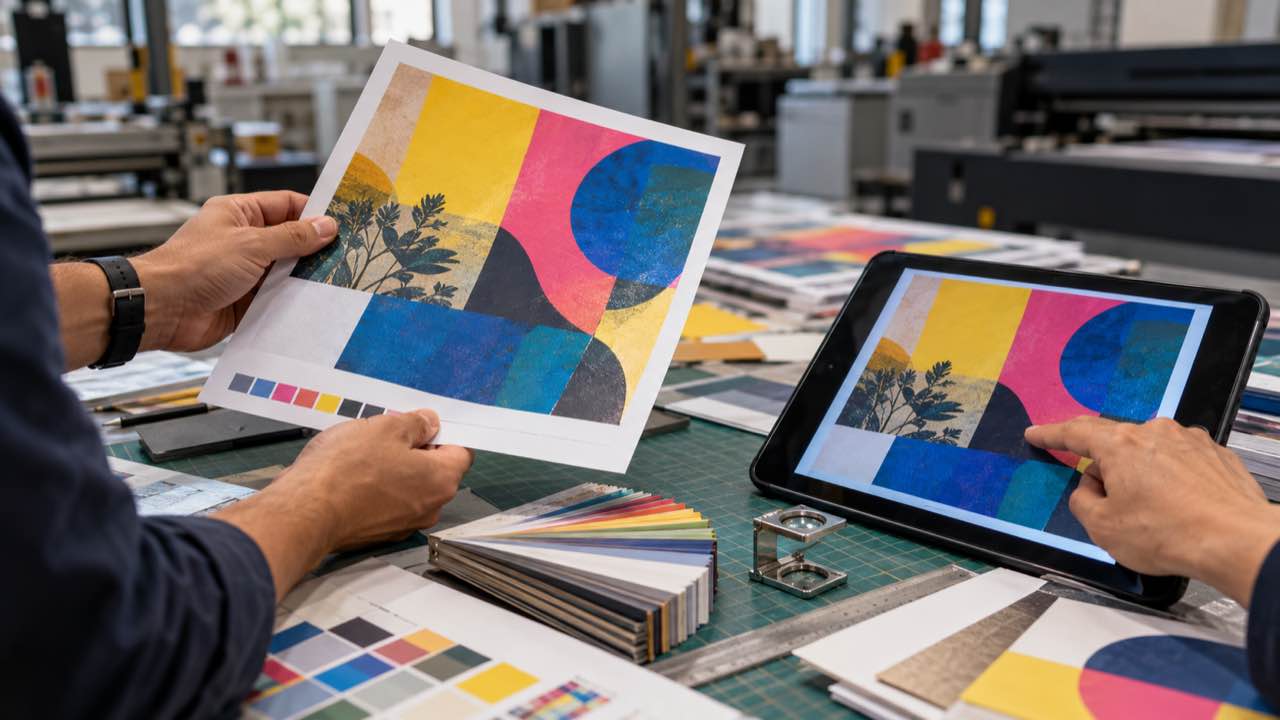
Hands compare a color print proof with a digital file. Illustrative image generated with artificial intelligence.
A preflight profile is a set of automatic checks that compares a document with production requirements. Adobe explains that many prepress providers supply profiles for this review. The useful profile is the one that matches the specific production conditions.
How much bleed does a print file need?
Nine points per side is a common commercial reference in Illustrator, but final bleed depends on the piece and its finishing process. The bleed requirement should be defined with the print provider before export.
Bleed only does its job when photographs, color backgrounds or illustrations extend into that extra area. A background that ends at the trim line can leave an unprinted edge.
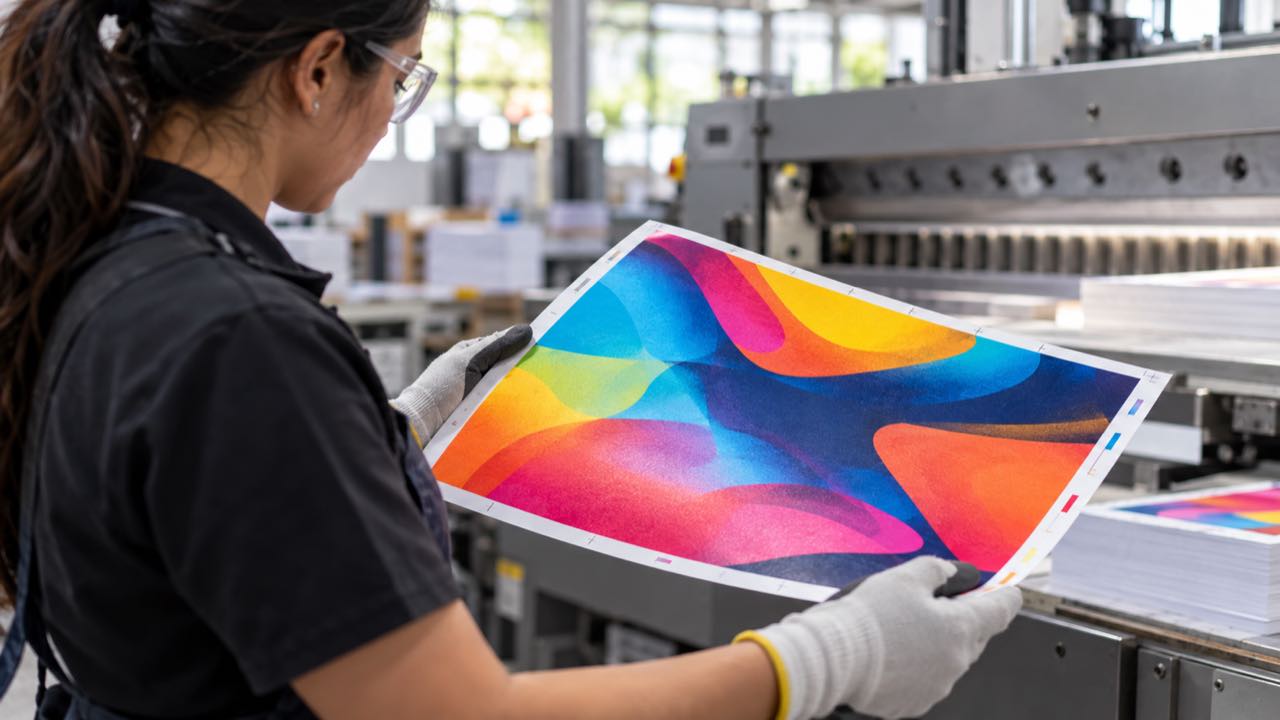
Print worker checks the edges of a printed sheet before trimming. Illustrative image generated with artificial intelligence.
What should be checked in PDF/X and color before export?
PDF/X is a family of ISO specifications for exchanging print-ready graphic content. PDF/X-4 preserves live transparencies and modern color-management features. This is explained in Adobe Illustrator Help.
Color management uses profiles to translate color between the file and the printing device. According to Adobe Illustrator Help, the profile must match the printer and paper type without duplicating correction in the print driver. The color profile depends on the equipment and paper chosen for each job.
When the file arrives with those decisions settled, the production conversation can focus on the intended result instead of repairing basic elements. Professional design and prepress review in Medellín organizes those checks before printing.